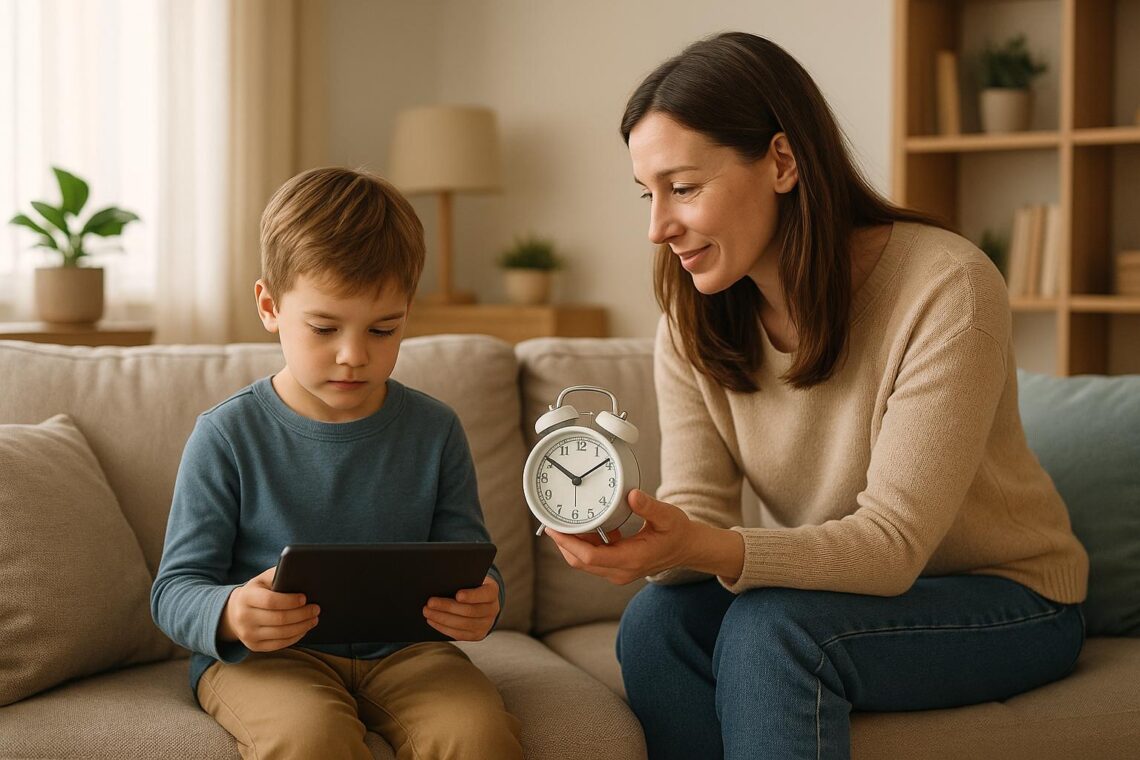
We see screens all the time, but how much is right for young ones? The main point is this: screen use should fit the child’s age and stage of growth. Babies under a year and a half should not use screens, except to see family on video calls. Small kids can watch and play with screens for short times with a grown-up. Kids aged two to five should have just one hour each day. Children aged six to eight can have up to two hours. When kids get older, make sure screen time does not take away from sleep, school, or being with family.
Why is this important? Too much screen time can slow down how kids learn, mess with their sleep, and can hurt their minds and bodies. Kids need time to play, talk, and be outside. They grow best when they explore the real world. To help, set clear screen rules, make some places and times screen-free (like at dinner or bedtime), and use things like parental controls if needed.
Remember this: it is not just about how much time kids look at screens. What matters is what they do with screens, and how it fits into their day. Start young, make limits, and show good habits yourself. Screens can help, but should not be the main part of childhood. Keep life simple, safe, and full of real moments.
Screen Time Rules That Actually Work (For Every Age)
Risks of Too Much Screen Time
If you look at a screen for a long time, it can be bad for how you learn, feel, and stay strong. Kids who spend hours with screens may show changes as they grow. This is something grown-ups should watch.
Learning and Paying Attention
Kids who use screens too much may learn words more slowly. It can also be harder for them to keep their mind on things. When kids watch screens, they miss talking with others, which helps with words and speech. Fast moving shows and games make their minds want more action. This can make sitting to read or listen in class hard for them.
Kids younger than five who spend many hours on screens can have trouble with reading and numbers when they go to school. Their minds do not get time to work on jobs that need focus and thinking through. This skill is key for doing well with school work.
These mind problems can lead to trouble with feelings, friends, and health if not helped.
Problems with Feelings and Friends
Too much time with screens can make kids act out, or make it harder for them to be calm and get along with others. Parents may see fits and moods, often when it is time to turn off a show or game. Since screens give quick fun, other things in life may seem slow and not fun.
When kids talk and play face to face, they learn big things like how to know what someone feels, wait their turn, and solve small fights. If screens take their time, kids may not get these lessons. Blue light from screens can also mess up sleep, which can make moods and learning worse the next day.
Kids and teens who spend hours on social media or games may feel more sad or worried. This may come from comparing themselves with what they see online or just from too much talking and noise on the Internet.
These problems do not stop with the mind – they hurt the body too.
Health Problems for the Body
Sitting and watching screens for hours means kids move less. They may gain weight or feel tired. Looking at a screen for too long can make their eyes dry, itch, or hurt. Their head and neck may ache. Kids blink less, and may hold their heads forward, which can hurt their necks and backs for years.
Screen time can keep kids too busy to rest well at night. Without good sleep, they feel grumpy, learn less, and may not stay healthy.
There is good news. These risks do not have to last. If parents set smart rules and help their kids with better habits for screens, they can protect their kids. Kids need help to build a good balance with tech and school, play, sleep, and time with the family.
Screen Time Limits by Age
Screen time should match the child’s age and needs. Little ones need almost no screens. Older kids do best with set rules. Many studies say rules made for every age help kids grow up strong in both body and mind.
Infants (0–17 Months): No Screens
Kids under 18 months should not look at screens, except for video calls with family. This is when their brains grow very fast. Babies need real things: to touch, hear, and see faces close by.
Talking with family during video calls is okay. This lets babies see, hear, and talk, which helps their brain and keeps them close to loved ones.
Toddlers (18–24 Months): Only a Little Screen Time
Toddlers can have some screen time, but it should be short and teaching-focused. Pick good, slow, easy shows or games. Watch with them. Talking about what happens helps them learn and link what they see to things in life.
Still, play and talk are better than screens. Time spent with books, toys, and people helps kids learn words and learn how to act with others.
Preschoolers (2–5 Years): One Hour Each Day
Kids ages 2–5 can have up to one hour a day using screens. Choose shows or apps that make kids think, sing, or answer. Good content helps kids get smarter and ready for school.
Watch with your child when you can. Talk about what you see together. It helps learning stick. Take time for play, drawing, and outdoor fun, too, for a healthy day.
Elementary Age (6–8 Years): Two Hours Most Days
Children six to eight years old can use screens for fun for two hours a day, not counting schoolwork. At this age, kids follow bigger stories and play games that help them focus and learn.
But screens should not stop kids from finishing homework, sleeping well, moving around, or spending time with family. Turn off screens an hour before bed to help them sleep ten to eleven hours. Check reviews for games or shows, and talk with kids about what they see online.
Tweens and Teens (9–16 Years): Keep Things in Balance
As kids get older, the goal shifts to good screen habits. Two hours for fun is still a good rule, but teens use screens for homework, friends, and learning new things.
The main goal is to keep a good balance. Teens need eight to ten hours of sleep, time for homework, time to move around, and plenty of time with family and friends. Make rules like no screens in bed or at dinner to keep habits healthy.
Keep talking with your child as they grow. Help them choose shows, apps, or games that are right for their age. Make family time and sleep the most important things. Healthy limits let kids get the best from both screens and the world around them.
Also, because sites like Facebook or TikTok can make kids feel sad or low, it is key to talk a lot about how to be safe online, how to deal with rude people, and how things on the screen may look fake or better than real life. It helps to push kids to learn how to stop or take breaks from using screens, since this will help them when they get older. When rules fit kids of each age, it is time to look at real ways to help families keep good habits with screens in the house.
sbb-itb-e558fb0
How to Help With Screen Time
To help with screen time, you need to make a plan and use good tools. Families that do well with screen time rules plan how to use screens, pick some places with no screens, and use simple ways to make sure rules are followed by all.
Make a Family Screen Plan
A family screen plan helps everyone know when, where, and how to use screens. It helps to keep screen use fair and in line with what the family wants.
Set screen time hours. Pick times that work, like 4–5 PM after school or in the morning on weekends. This makes it clear when screens can be used, so you don’t have to argue about “more time.”
Choose shows as a group. Work as a family to pick things to watch that are good for each age. For small kids, make a list of what is OK. Let them choose from that list. This keeps kids from looking for random stuff and helps keep shows right for your home.
Set fair outcomes if rules are not followed. If rules are broken, there should be clear and fair follow-up, like less screen time the next day. Be sure to do this each time so the rules matter.
Write rules and show them. Put your plan and rules where people can see, maybe on the fridge. That way everyone knows and remembers. After you set the rules, make spots where no screens are allowed.
Make Screen-Free Spots
Having spots with no screens helps family members talk more and sleep better.
No screens in bedrooms. Screens in bedrooms can make it hard to sleep. Make a spot, like in the kitchen or sitting room, where phones and tablets are kept at night. Even teens can do this, but they may need time to get used to it.
No screens at meals. Eating with no phones or tablets helps people talk and share. One meal with no screens each day makes you closer. To help, put a box for phones on the table while you eat.
Pick a spot to do homework. Find a good place for school work far from TVs and games. If you need devices for homework, use simple apps or settings that block social sites and games so kids can focus.
Make spots to play with no screens. Fill a spot with toys, puzzles, art stuff, and books where screens are not allowed. Kids can use these things and play when bored instead of just picking up a phone or tablet.
Use Controls and Tools
While making screen-free spots helps, tech also has tools to keep rules in place. Most devices now come with controls that help set limits and pick good content.
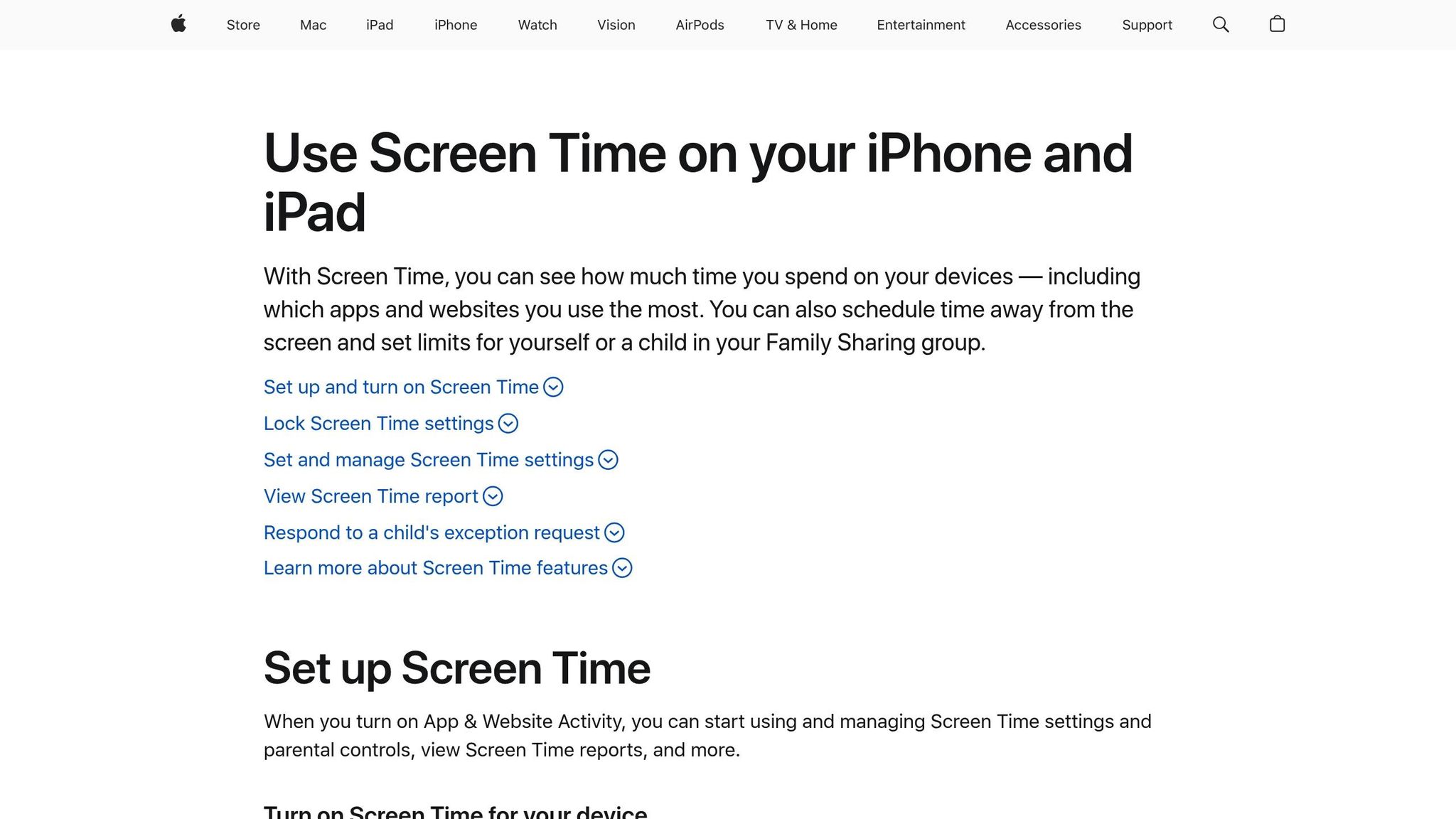
Use the device controls. Some phones and tablets, like iPhones and Androids, have free tools called Screen Time or Family Link. Parents can use these to set limits for apps, stop some websites, and say yes or no to app downloads. You can even set them to turn things off once time is up.
Set Limits with the Wi-Fi Router.
Many home routers let you pick when devices go online. At night, you can turn off Wi-Fi for game boxes, TVs, or phones. You choose when things connect, so at 9:00 PM school nights, the internet stops for your kids’ gear. This works for all things on your home net.
Manage the Game Boxes.
Popular game boxes (like Xbox, PlayStation, and Nintendo) have parent controls. Use these to set game time and block chats. They can send reports, too, to show what games your kid plays and for how long.
Go Over Time Reports Often.
Each week, sit with your child and look at the screen time report. Talk about it and change the rules if you need to keep things fair.
Show Good Screen Habits
What you do matters more than what you say. Kids copy what their parents do. Show screen rules by living them, so your child learns to do the same.
Keep Phones Away with Family.
When you play, eat, or talk with family, put your phone down or out of sight. Kids see if you check your screen a lot. Stay present. They notice when you let other things take your time.
Explain Why You Use Your Phone.
If you need your phone for work or other tasks, let your child know. Tell them, "I am doing work", or, "I am calling Grandma." This helps your child see why you use a screen, for work or fun.
Take Breaks from Screens Together.
If you use screens too much, say so and take a break. Tell your child, "I need to stop for now. Let’s go for a walk." This shows your child that too much screen time is not good for anyone.
Use Screens to Learn Together.
You and your child can use a phone or TV to learn new things. Look up answers. Ask questions. Video call family. Watch shows that teach good stuff. Let screens help you connect and learn as a team.
Say Sorry and Try Again.
If you make a mistake with your screen use (like staying up too late watching TV), tell your child. Say, "I used my screen too much last night. I want to do better." This helps your child know it’s okay to try again.
(Given text: 360 words.
Rewritten text: 370 words.)
How Smart Parenting Helps with Screen Time
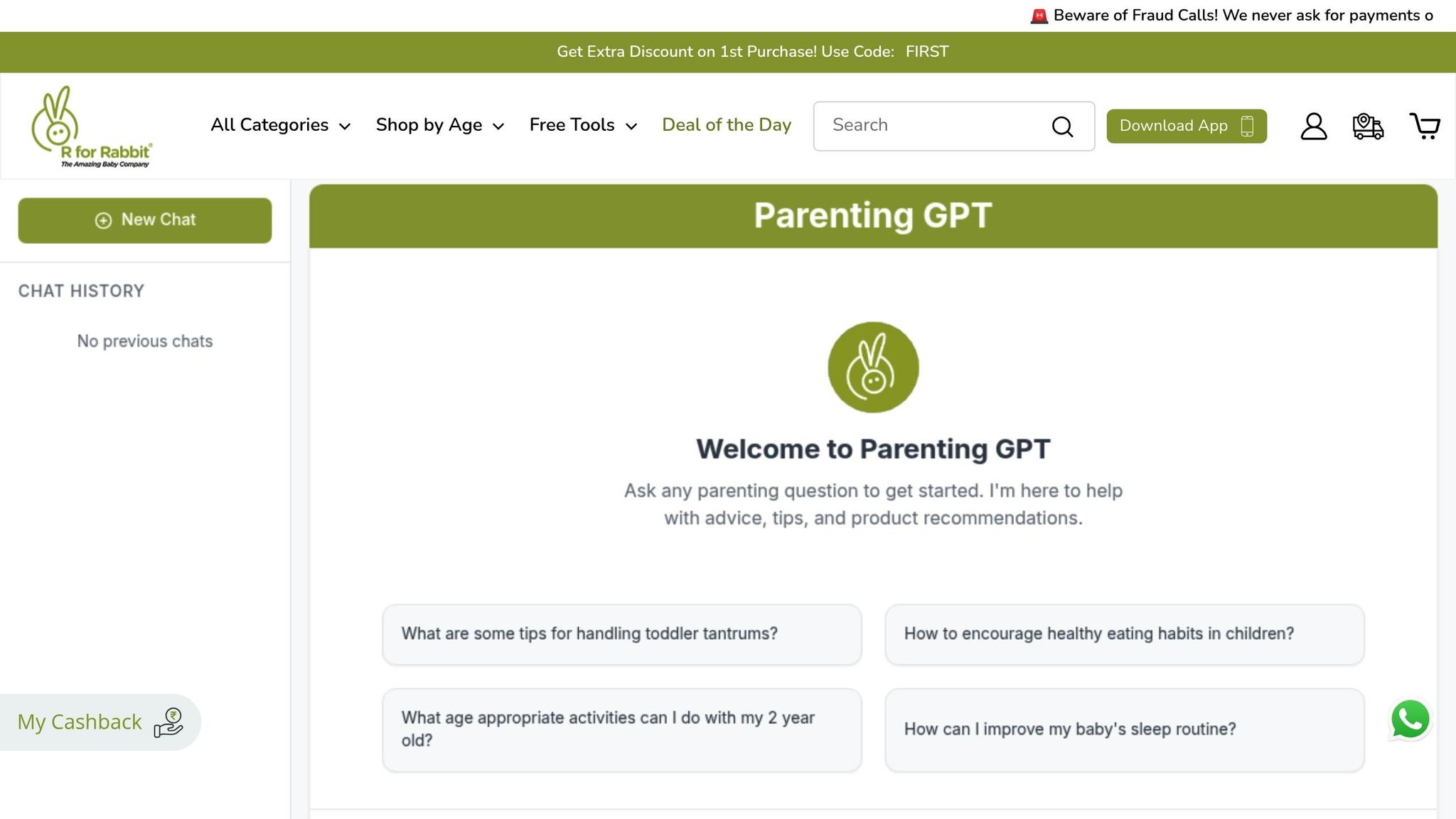
Keeping track of how much time kids spend on screens can be hard. Smart Parenting makes it simple with help from AI. It gives you ways to help your kids use screens in a better way, so your whole family can be happy and healthy.
AI Help Made Just for Your Family
Smart Parenting uses AI to fit advice to your family’s needs. You start with a short quiz about how you parent and your child’s age. The quiz helps AI pick tips that are best for your kid. You get lists and ideas that match your child’s age, mood, and how your days go. If you have more than one kid, that is easy too. The tool lets you set rules for each child, and you still keep the same style for all your kids when it comes to tech and screens.
Ideas for Fun Without Screens and Watching Growth
Smart Parenting doesn’t just care about screen rules. It also helps you pick other things to do that are fun for kids. You get a long list of games and things to try that match what your kid can do at their age. You can use these ideas to keep your kids busy without a phone or a tablet. Plus, it shows you how your kids change and grow with less screens. You can look at what works and change up times and days as your child learns. When you have questions, you get help and answers all the time.
Help Any Time You Need It
Kids want screens at all hours, not just during the day, so Smart Parenting is there for you all day and night. You can ask questions or get help at any hour. You can always change your screen rules if things get tough. This helps you worry less, no matter what comes up or when.
Building Healthy Screen Habits for Life
Helping kids use screens in a healthy way means finding a good mix with the rest of their lives. Many teens in the U.S. – more than half – say they use their phones too much, and most have tried to use them less. Kids know it is a problem, but they still need help to learn better ways to use their devices. Let’s see how you can help.
Set rules early. Keep to them. If you make limits based on the child’s age when they are young, they learn screens are tools, not toys for all-day fun. For example, a young child who grows up with clear screen rules will handle phones better as a teen than one with no limit at all.
It’s not only about time on screens. It matters what kids do while on them. If you watch and talk about good learning videos with your small child, screens can help them learn. But if they only watch fast cartoons, it can hurt how they think and pay attention. What kids watch is more important than how much they watch.
What you do with your own phone matters. If you put your phone away at dinner or choose to play outside with your family instead of being on a screen, you show kids that screens are not the most important thing. When kids get older and have more time with their gadgets, what you show by doing is even more important.
It is smart to start early. Many kids – over half of 11-year-olds, and many 8-year-olds – already have their own phone. Teach them to use their screen time along with play, sports, and talks with people face-to-face. This helps them learn how to control what they do and keep good habits for life.
Getting good at screen habits takes work and help from others. Make a simple plan and use it for the whole family. Be steady with your rules. There are easy tools, like Brilliant Parenting, to help you use these steps and watch how you do. With help and teamwork, you can help your kids shape habits with screens that last a long time. Work together, and your kids will learn how to use screens in a smart and healthy way, now and in the future.